ECHO ORB ECHORB

Run multiple coding agents in parallel from one place. Drive Claude Code, Codex, or OpenCode out of the box (or plug in your own CLI), each in its own Git worktree. Add RALPH loops for longer-running, hands-off work.

60-day free trial. Pick your platform.

Echorb Mascot

What's new in Echorb

Talk to your agents. Listen to their work. Make Echorb look the way you think. A new voice layer, theme system, and refreshed comms on Windows, macOS, and Linux.

Talk to your agents

Hold a hotkey, dictate a task, release. It's on its way. No clicking, no typing, no follow-up step. A faster way to drive your agents without taking your hands off the keyboard.

Push-to-talk, hands-free.

Listen as they work

Let Echo read assistant replies aloud while you keep coding. Pick a voice that fits the mood (calm, energetic, technical) and follow long agent runs without staring at a pane.

Multiple voices to choose from.

Make Echorb yours

A refreshed look with several built-in themes and the option to dial in your own colour scheme. Switch on the fly, share themes with your team, and make the command centre feel like home.

Themes for every mood.

Calmer comms

Smoother chat windows, sharper status feedback, and tighter coordination across your team of agents. Less window juggling, fewer surprises. Just steady progress while you work.

Built for long, busy sessions.

Voice features are optional and off by default. Your audio stays on your machine. Nothing about what you say is sent to Virtual Life. See Terms for details.

See it in action

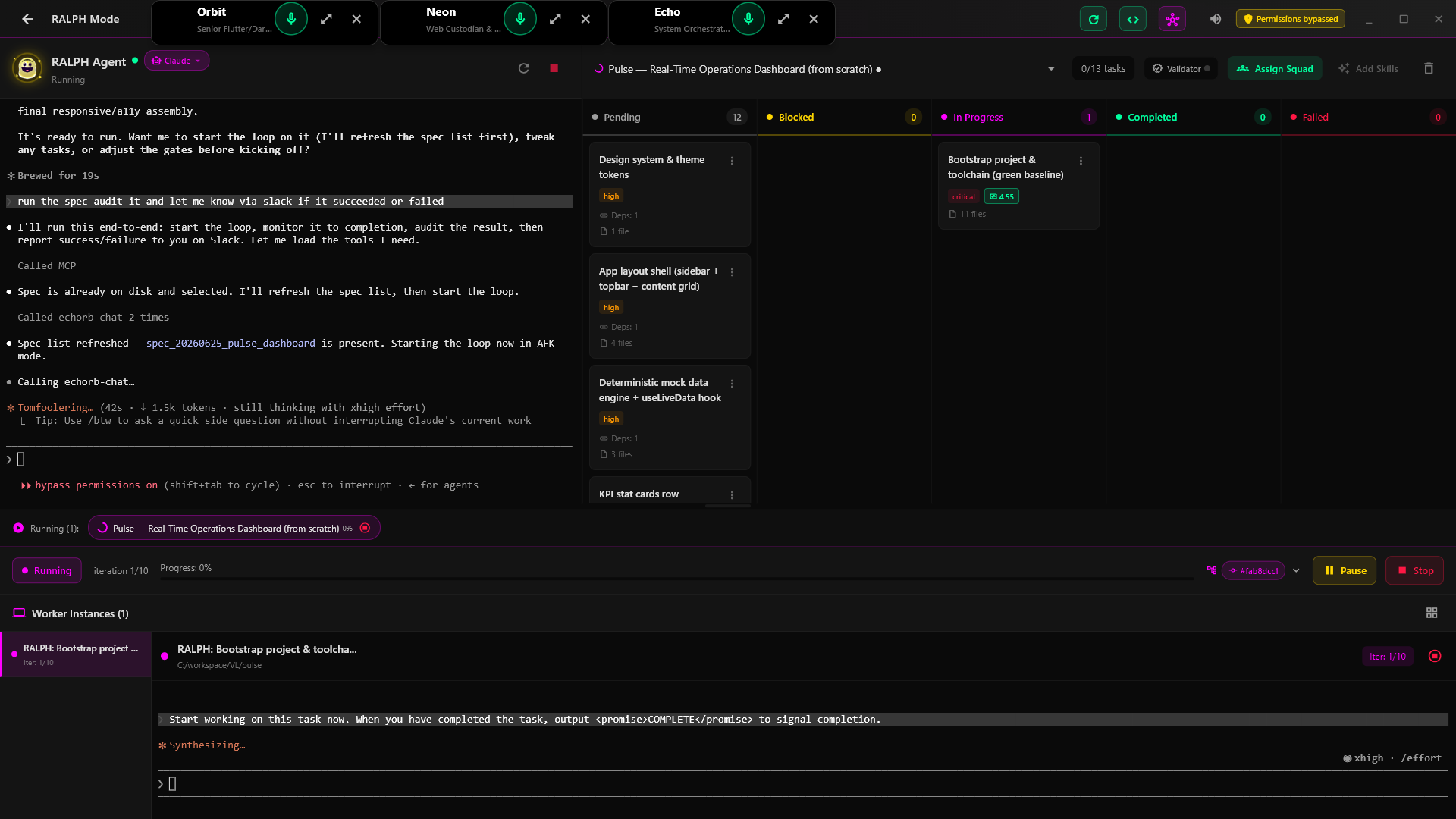
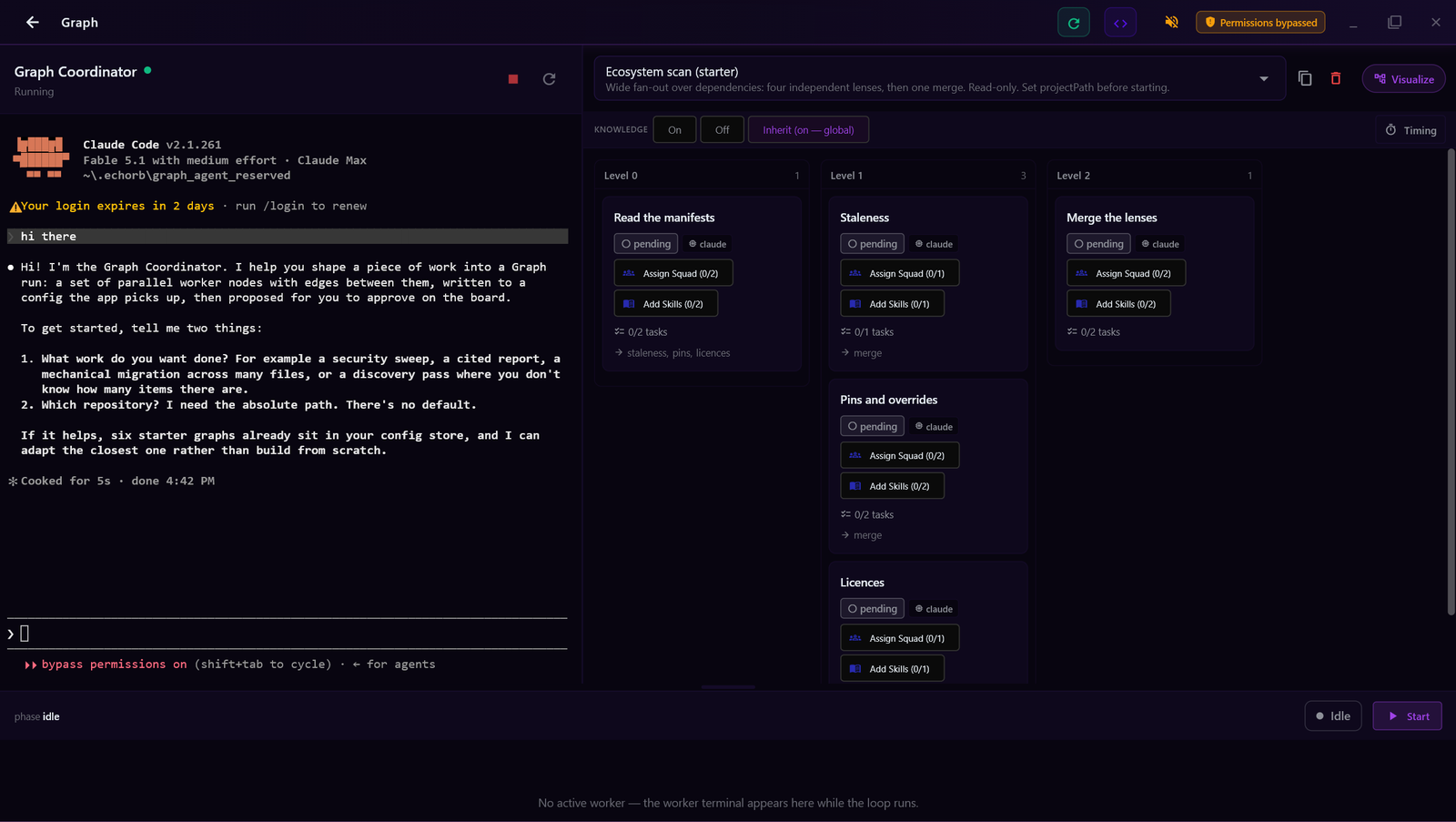
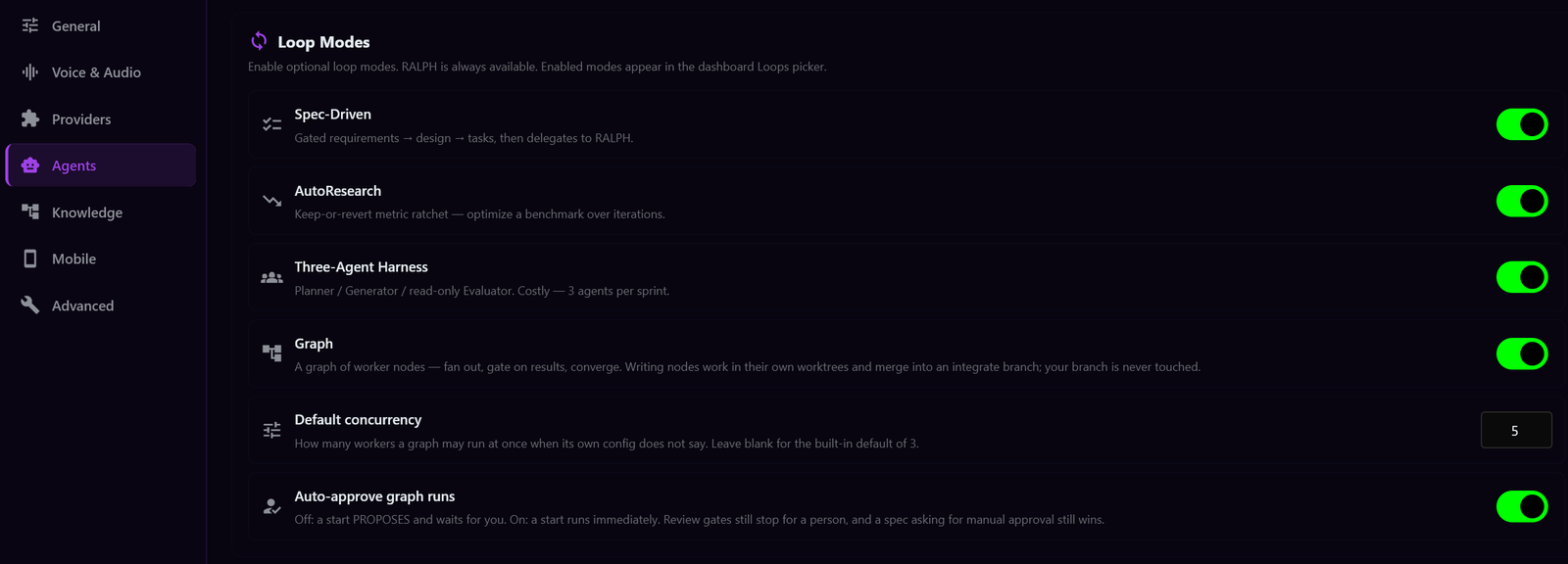
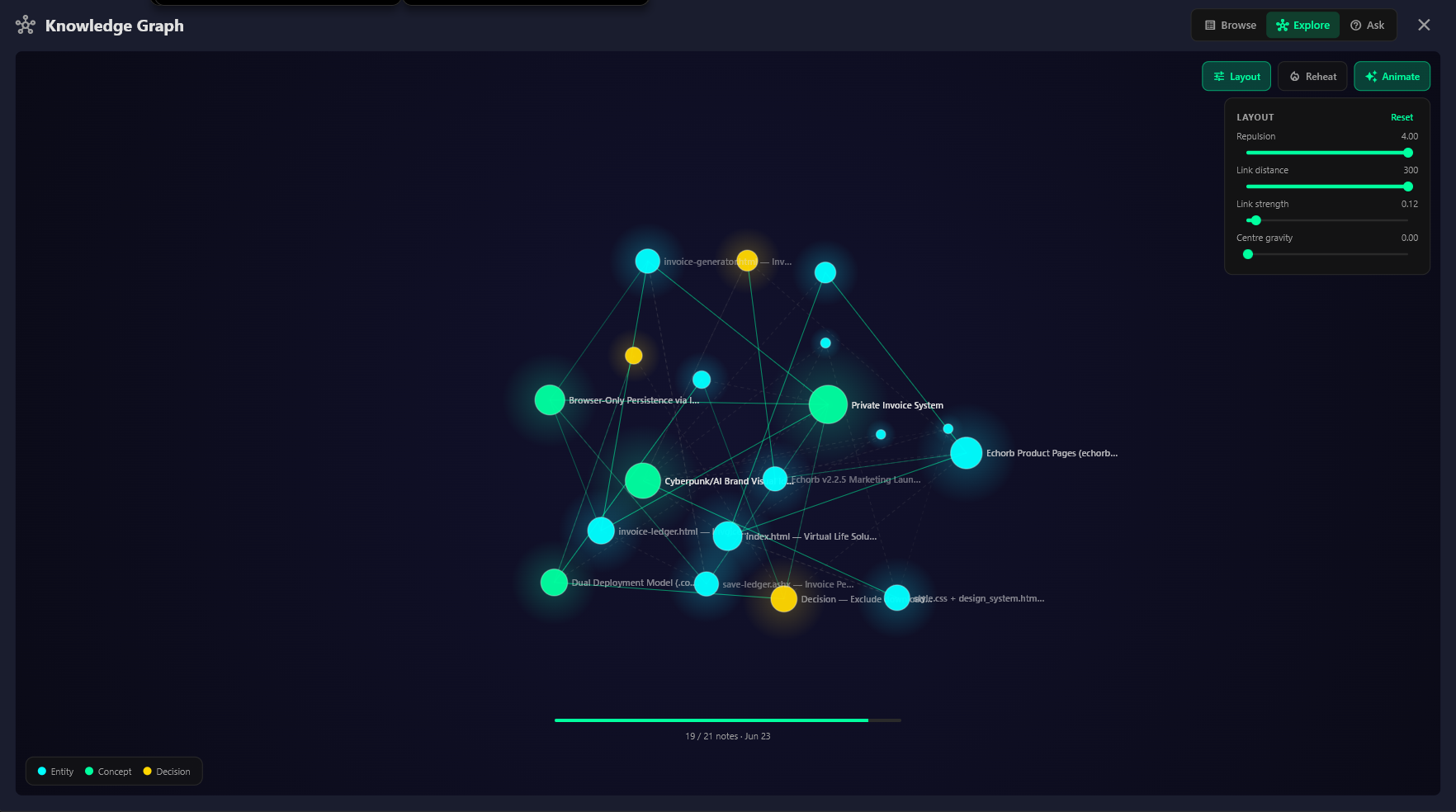
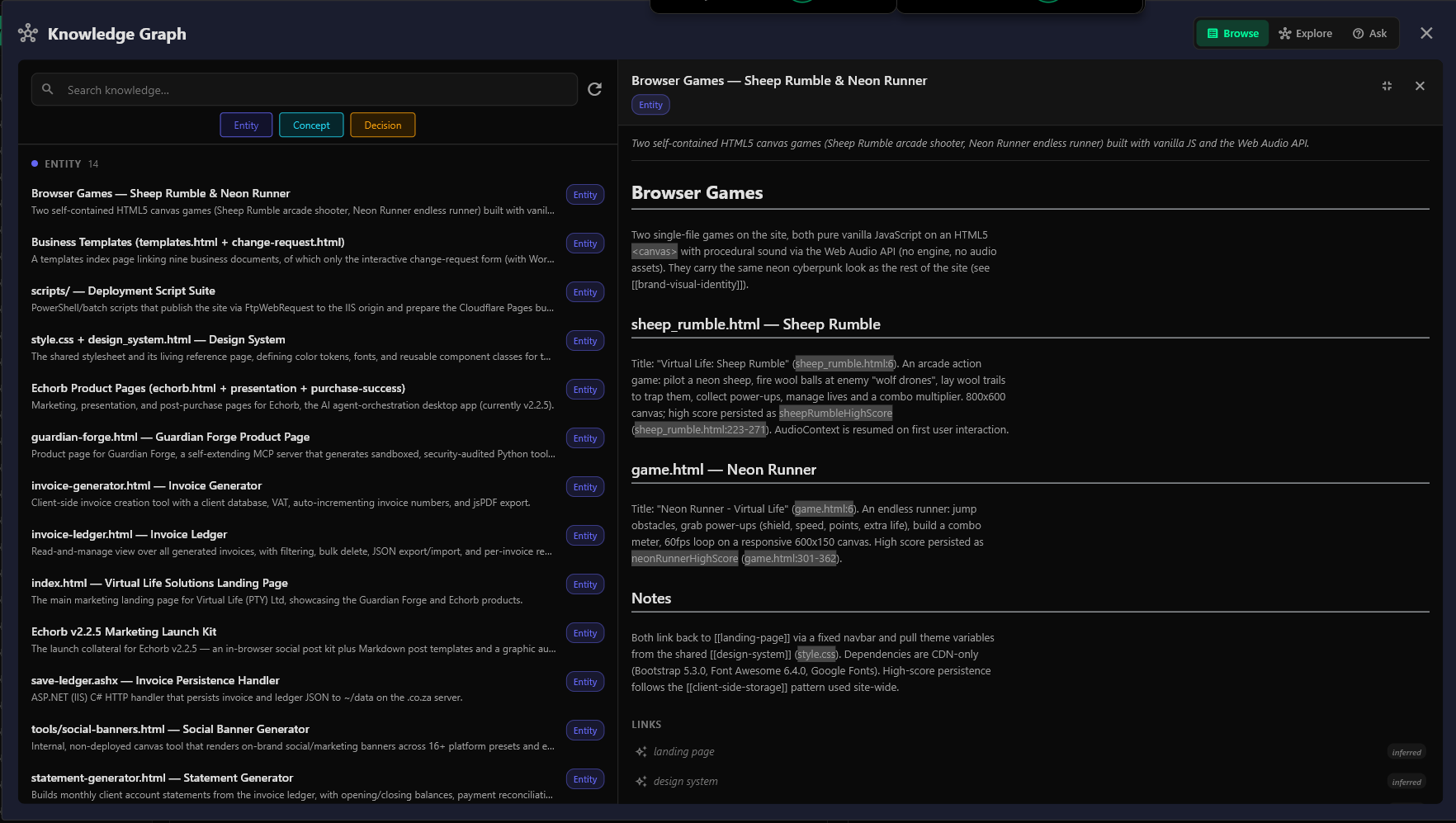
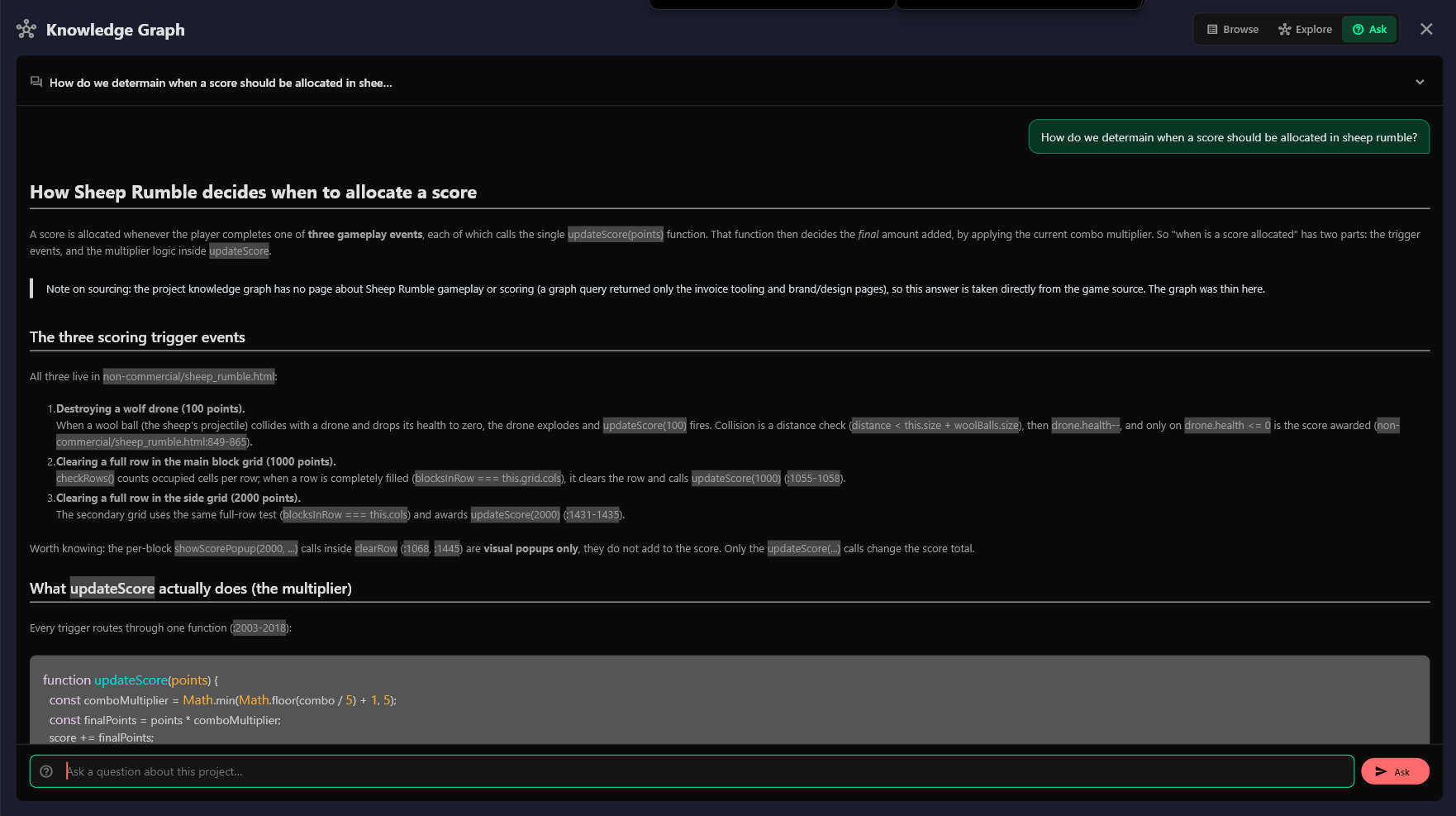
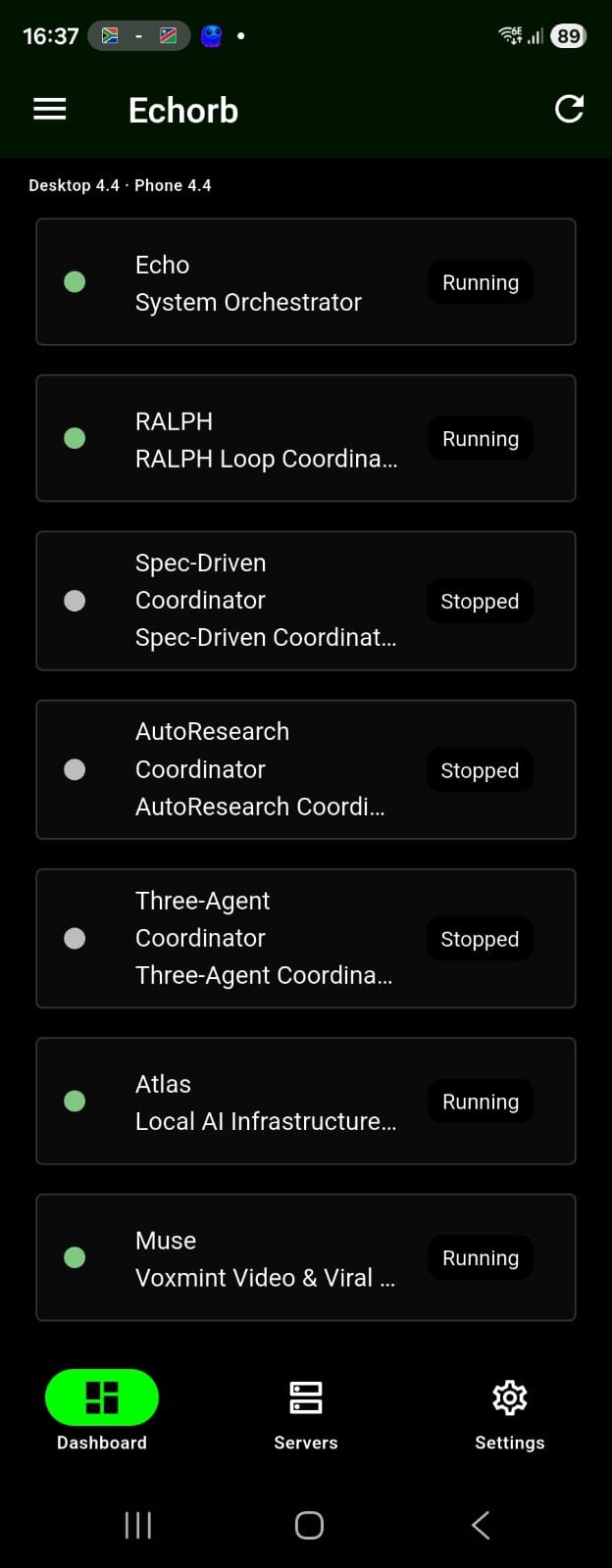
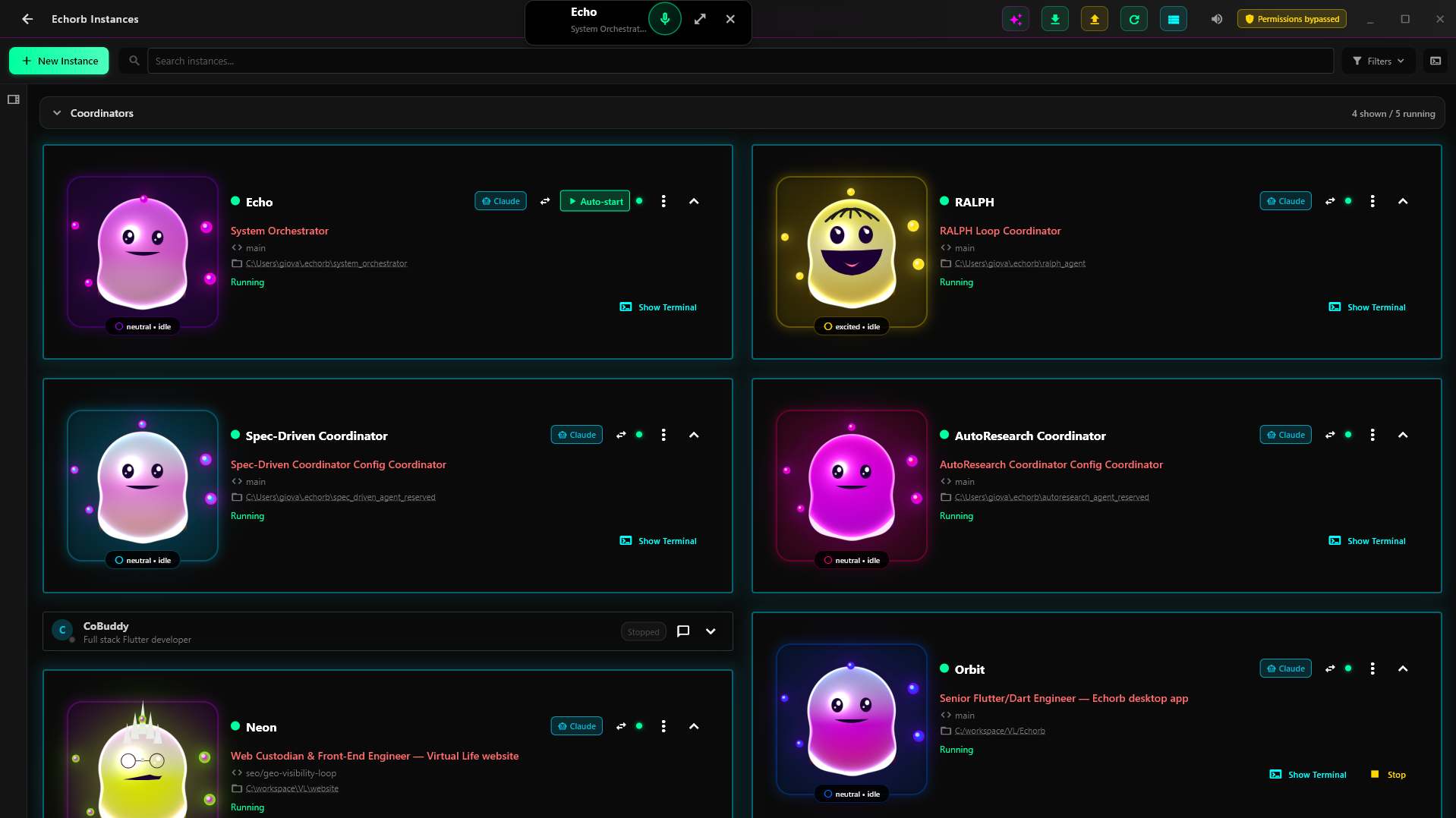
Three views of v2.2.5, right from the app.

Click any screenshot to view full size.

How It Works

Three steps from install to launching your AI team.

1

Prerequisites Setup

First, install one of the supported agentic harnesses (Claude Code, Codex, or OpenCode). You can also wire up your own CLI. Add Node.js for MCP server support.

2

Install Echorb

Download and install Echorb on Windows, macOS, or Linux. On first run, point it at the harness you installed in step 1.

3

Launch Your AI Team

Spin up multiple agentic harnesses, set up Git worktrees, and coordinate work across them from a single dashboard.

The RALPH Loop

Recursive Autonomous Loop for Programming and Handling.

RALPH Loop - Autonomous AI Development

RALPH executing 227 tasks autonomously with Kanban tracking and live worker terminals

Autonomous Loops Iteration Learning Validation Gates Multi-Worker

Works with Claude Code and OpenCode out of the box, and has run successfully via the Pi custom adapter. Codex doesn't drive RALPH directly. Route it through OpenCode instead.

Powerful Features

Designed to multiply your output across projects.

NEW

Smart Generation

Give Echorb a project specification and it scaffolds suggested agentic harnesses for each feature and creates the worktrees. You review, edit, and start them when you're ready.

HOT

Code Analysis

Point Echorb to any repository on your machine and it analyses your codebase, then configures agentic harnesses tailored to your project's architecture and tech stack.

Team Control

Control all your agentic harnesses through Echo, our system orchestrator. Send commands to specific instances or broadcast tasks to your entire team for coordinated development.

Git Workflows

Configure Git worktrees your way - assign each Echorb its own branch for parallel work through separate worktrees. This enables true parallel development with each instance having its own working directory.

Start Your AI Team Today

Sixty days, no credit card. Cancel any time.

Simple, Transparent Pricing

$10/month

After 60-day free trial

  • Unlimited Echorb instances
  • All features
  • Git worktree management
  • MCP tool integration
  • Team orchestration

Version 2.2.5 • Windows 10+, macOS 14+, Linux (x86_64 AppImage)

Important: Git must be installed and functional in your terminal (PowerShell for Windows, Terminal for macOS / Linux). Download Git: Windows | macOS | Linux

Note: You may see a browser warning since Echorb is brand new software. This is normal for new applications. Click "Keep" or "More info → Keep anyway" to proceed with the download.

System Requirements

Cross-platform desktop. Bring your own Git.

Windows

System Requirements:

  • Windows 10 (1903+) / 11
  • 8GB RAM minimum
  • 10GB disk space
  • 64-bit processor
  • Git for Windows (PowerShell)

macOS

System Requirements:

  • macOS 14 (Sonoma) or later for voice
  • Apple Silicon or Intel processor
  • 8GB RAM minimum
  • Git (Terminal)
  • Mic + Accessibility perms on first voice use

Linux

System Requirements:

  • x86_64 AppImage (modern distros)
  • 8GB RAM minimum
  • Git (Terminal)
  • PulseAudio (parecord, pactl) for voice
  • ffmpeg on PATH for capture

Built-in support for Claude Code, Codex, and OpenCode. Bring your own CLI for custom workflows.

Note: To skip the constant permission prompts during a run, Claude Code can be launched with --dangerously-skip-permissions mode, and other harnesses with their equivalent permission flags. You can toggle this from the Echorb dashboard. Without it, every feature still works, but you'll be approving permissions as the agent runs.

Ready to give Echorb a try?

Sixty days, no credit card. See if it fits your workflow.

No credit card required • 60 days free • Cancel anytime

Frequently Asked Questions

Echorb works with your existing Claude Max subscription via Claude Code, and also drives Codex and OpenCode out of the box. You can add your own CLI on top of that for custom workflows. It doesn't replace your agentic harness. It amplifies it.

As many as your machine can handle. Most users run 3-10 in parallel for different aspects of a project; each harness uses RAM and CPU like any other terminal.

Yes! You can configure Git worktrees so each Echorb works on its own branch independently. When using worktrees, multiple instances can collaborate on the same project while maintaining separate working directories.

Try Echorb free for 60 days with every feature unlocked. No credit card required to start. After the trial, it's $10/month. Cancel any time.